Zoom Models
Besides the scroll wheel or the middle mouse button, you can use the following functions to zoom in on and out of the models in the display.
The functions to zoom and fit the models are located in the Zoom group of the 3D-Mode tab.
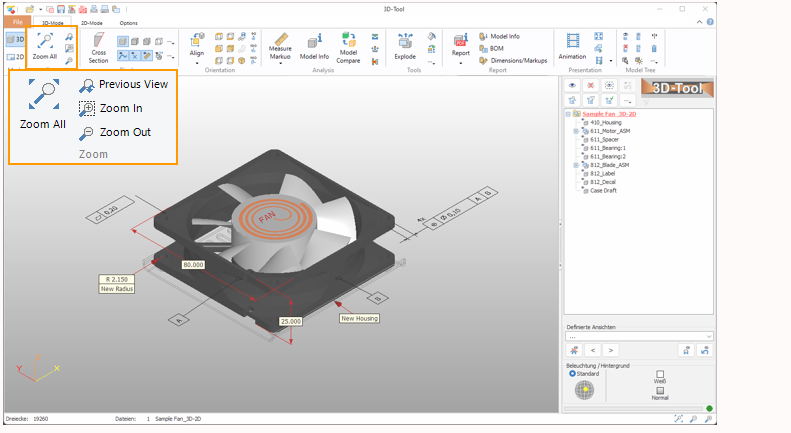
 Zoom all
Fit everything visible in the display.
This function is also assigned to the function key [F4].
 Previous View
Undo the last zoom, move, or rotation of the view.
This function is also assigned to the function key [F5].
 Zoom In
Zoom into an area. Click into the display, hold down the mouse button, and move the marquee across the area to be zoomed.
This function is also assigned to the function key [F2].
 Zoom Out
Zoom out of the view. You may also zoom in and out using the scroll wheel.
This function is also assigned to the function key [F3].