 File Associations
The file extensions associated with 3D-Tool.
Options tab > Preferences group >  Preferences > File Associations.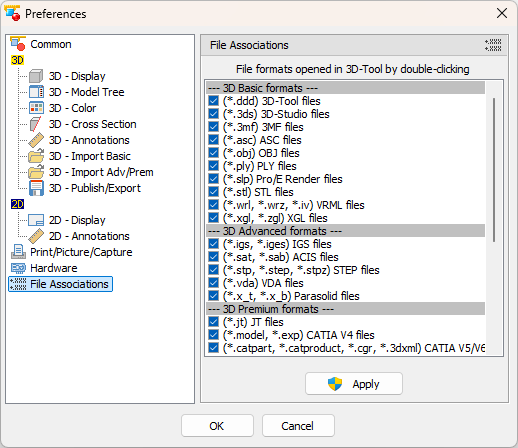
Check all file formats you want to associate with 3D-Tool, and click Apply.
The list contains all file formats that are supported by 3D-Tool. Non-selectable (gray colored) file formats are not available with your 3D-Tool Version/License.
 Notes
Notes
- Once a file association is set, it will be activated until it is overwritten by another program.
- To set a file connection, you have to have administrative rights. Starting with Windows Vista, you will be asked to confirm and possibly to re-enter the administrative password by the User Account Control (UAC).
- File associations set by a Windows user manually may fail to be changed by 3D-Tool.