Change the Display of Lines (2D)
Display all lines of the drawing in black/white or as thin lines.
In 2D Mode, change the display of the lines in the Display group
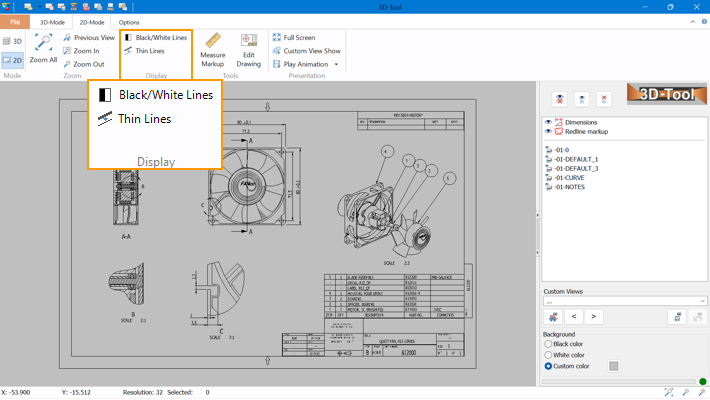
 Black/White Lines
Display all lines of the drawing in black or white, depending on the background color.
 Thin Lines
Display all lines of the drawing with a width of 1pt. This may make it easier to see details in drawings with thick lines.