 3D - Model Tree
Default settings of the Model Tree.
Options tab > Preferences group >  Preferences > 3D - Model Tree.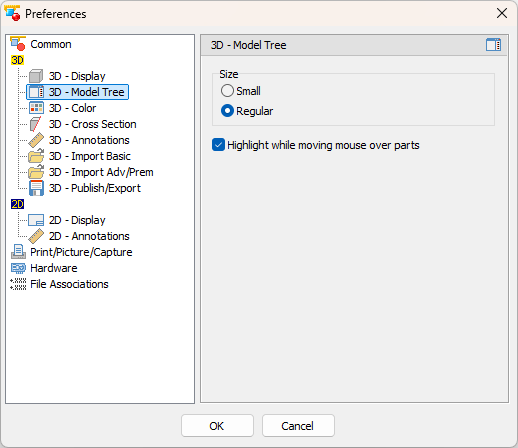
Size (Default: Double size)
Select the size of the Model Tree at program start-up
- Small
Display the Model Tree in half size. - Regular
Display the Model Tree in regular size.
Highlight while moving mouse over parts (Default: Active)
Highlight parts and assemblies when moving the mouse over their names in Model Tree.